




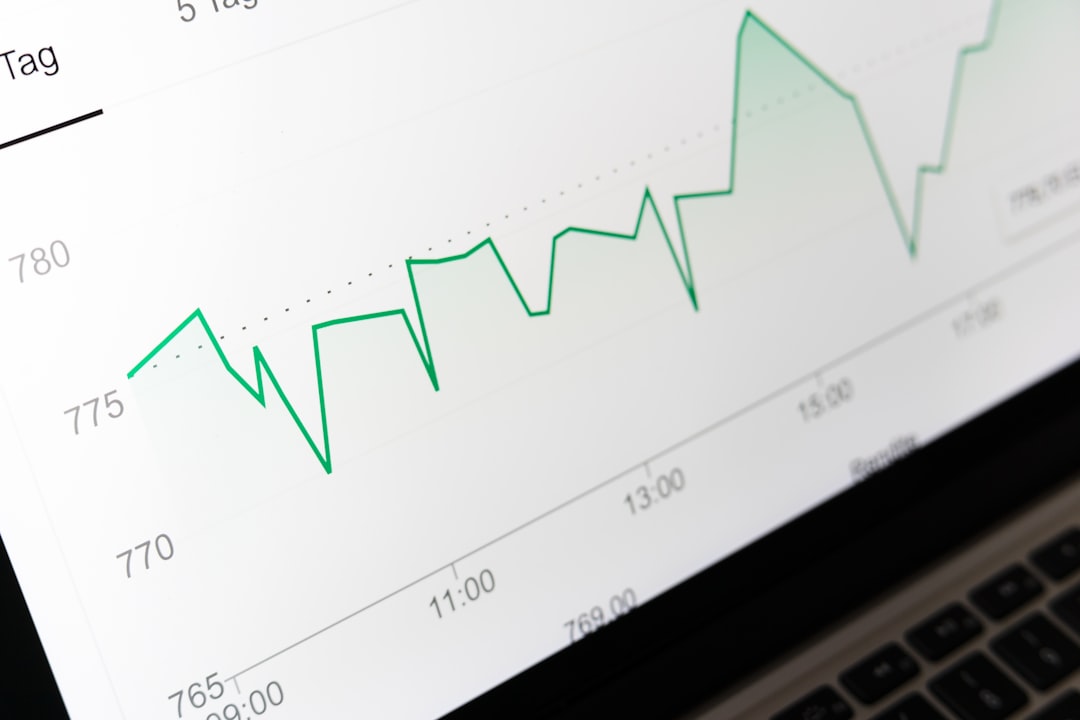
Heat map analytics is a data visualization tool that displays user interactions on websites through color-coded representations. These tools use color gradients ranging from cool colors (indicating low activity) to warm colors (indicating high activity) to show where users engage most frequently on web pages. Heat maps convert raw user behavior data into visual formats that enable website owners, UX designers, and digital marketers to analyze user engagement patterns and make data-driven decisions regarding website optimization.
Heat maps serve multiple analytical purposes in web analytics. They identify high-traffic areas on web pages, reveal user navigation patterns, and highlight content that receives the most attention. This information helps organizations optimize page layouts, improve content placement, and enhance user experience design.
Heat maps also assist in identifying usability issues, such as non-functional elements that users attempt to click or important content that receives insufficient attention. Three primary types of heat maps are commonly used in web analytics. Click maps track and visualize where users click on a webpage, including clicks on links, buttons, images, and non-clickable elements.
These maps help identify the most popular interactive elements and reveal user expectations about page functionality. Scroll maps display how far users scroll down a page before leaving, showing the percentage of users who view different sections of content. This data indicates content visibility and helps determine optimal placement for important information.
Hover maps (also called mouse tracking maps) record cursor movement and hovering behavior, providing insights into user attention patterns and reading behavior, though this type is less commonly used due to accuracy limitations on mobile devices.
Key Takeaways
- Heat map analytics help visualize user behavior by tracking clicks, scrolls, and mouse movements.
- Choosing the right heat map tool is essential for accurate data collection and analysis.
- Heat maps identify areas of high and low user engagement to inform design improvements.
- Utilizing heat maps in A/B testing can optimize website layout and enhance user experience.
- Implementing changes based on heat map insights can significantly boost conversions and overall website performance.
Choosing the Right Heat Map Tool for Your Website
Selecting the appropriate heat map tool is crucial for effectively analyzing user behavior. Numerous options are available, each with its unique features and pricing structures. When evaluating heat map tools, it is essential to consider factors such as ease of use, integration capabilities with existing analytics platforms, and the specific types of heat maps offered.
Some popular tools include Hotjar, Crazy Egg, and Mouseflow, each providing distinct functionalities that cater to different business needs. For instance, Hotjar is known for its user-friendly interface and comprehensive suite of features, including heat maps, session recordings, and feedback polls. This makes it an excellent choice for businesses looking to gain a holistic view of user interactions.
Crazy Egg, on the other hand, offers robust A/B testing capabilities alongside its heat mapping features, making it ideal for those focused on optimizing conversion rates. By carefully assessing the strengths and weaknesses of each tool, businesses can select the one that aligns best with their objectives and budget.
Analyzing User Behavior with Heat Maps

Once a heat map tool has been implemented, the next step is to analyze user behavior effectively. This involves examining the data collected over time to identify trends and patterns that can inform design decisions. For example, if a click map reveals that users are frequently clicking on a specific image or button that is not linked to any action, it may indicate a missed opportunity for engagement.
Conversely, if certain links are consistently ignored, it may suggest that they are not compelling enough or are poorly positioned on the page. In addition to identifying specific elements that attract or repel users, analyzing heat maps can also provide insights into overall user flow. By observing how users navigate through a site, businesses can pinpoint bottlenecks or areas where users drop off.
This information is invaluable for optimizing the user journey and ensuring that visitors can easily find what they are looking for. By combining heat map data with other analytics tools, such as Google Analytics, businesses can develop a comprehensive understanding of user behavior and make data-driven decisions.
Identifying Areas of High and Low User Engagement
Heat maps excel at highlighting areas of high and low user engagement on a website. By visually representing this data, businesses can quickly identify which sections of their site are performing well and which require improvement. For instance, a heat map may reveal that users are predominantly engaging with content located in the upper portion of a webpage while largely ignoring elements further down.
This insight can prompt businesses to reconsider their content placement strategy or adjust the layout to encourage more interaction with lower sections. Moreover, identifying low engagement areas can lead to targeted improvements. If a particular call-to-action (CTA) button is receiving minimal clicks despite being prominently displayed, it may be time to reevaluate its design or messaging.
Perhaps the color blends too much with the background or the text is unclear. By making data-driven adjustments based on heat map insights, businesses can enhance user engagement and drive more meaningful interactions with their content.
Improving User Experience with Heat Map Analytics
| Metric | Description | Typical Use Case | Measurement Unit |
|---|---|---|---|
| Click Density | Number of clicks registered on different areas of a webpage | Identifying most and least clicked elements | Clicks per element |
| Mouse Movement | Tracking the cursor movement patterns across the page | Understanding user attention and navigation flow | Heat intensity (relative) |
| Scroll Depth | Percentage of page scrolled by users | Determining content engagement and visibility | Percentage (%) |
| Hover Time | Duration the mouse pointer stays over a specific element | Measuring interest or hesitation on elements | Seconds |
| Attention Map | Combined visualization of clicks, scrolls, and hovers | Overall user engagement analysis | Heat intensity (relative) |
| Conversion Rate by Area | Percentage of users converting after interacting with specific page areas | Optimizing page layout for better conversions | Percentage (%) |
Heat map analytics play a pivotal role in enhancing user experience by providing actionable insights into how visitors interact with a website.
Additionally, heat maps can help identify content that resonates with users. If certain blog posts or product descriptions receive significant attention while others do not, businesses can analyze what makes the successful content appealing—be it engaging visuals, compelling headlines, or informative text—and replicate those elements in less successful areas. By continuously refining the user experience based on heat map data, businesses can create a more intuitive and enjoyable browsing experience that keeps users coming back.
Optimizing Website Design and Layout with Heat Maps
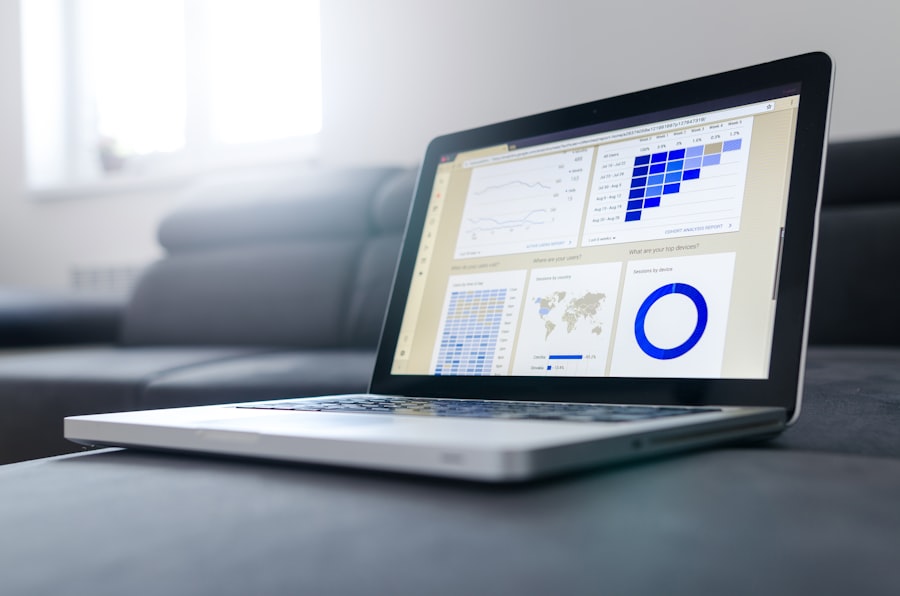
The design and layout of a website significantly impact user engagement and conversion rates. Heat maps provide valuable insights into how users interact with various design elements, allowing businesses to optimize their websites effectively. For instance, if a heat map shows that users are frequently clicking on images but not engaging with text links nearby, it may suggest that the visual elements are more appealing than written content.
This insight could lead to a redesign that emphasizes visuals while ensuring that text links are equally compelling. Furthermore, heat maps can inform decisions about responsive design. As more users access websites via mobile devices, understanding how mobile users interact with a site becomes increasingly important.
Heat maps can reveal differences in behavior between desktop and mobile users, highlighting areas where adjustments may be necessary for optimal performance across devices. By leveraging heat map analytics in the design process, businesses can create websites that not only look good but also function seamlessly for all users.
Tracking Clicks, Scrolls, and Mouse Movements
Tracking clicks, scrolls, and mouse movements provides a comprehensive view of user interactions on a website. Click tracking reveals which elements attract attention and drive engagement while scroll tracking indicates how far down users typically navigate before losing interest. Mouse movement tracking offers additional insights into user behavior by showing where users hover their cursors—often indicating areas of interest even if no clicks occur.
For example, if mouse movement tracking shows that users frequently hover over a specific section without clicking, it may suggest that they are interested but unsure about taking action. This insight could prompt businesses to enhance that section with clearer calls-to-action or additional information to encourage engagement. By analyzing these three aspects together—clicks, scrolls, and mouse movements—businesses can develop a nuanced understanding of user behavior that informs design improvements and content strategies.
Utilizing Heat Maps for A/B Testing
A/B testing is an essential component of optimizing website performance, and heat maps can significantly enhance this process. By comparing two versions of a webpage—Version A and Version B—businesses can use heat maps to visualize how users interact with each version. This allows them to determine which design or content changes lead to higher engagement rates or conversions.
For instance, if one version features a prominent CTA button while another has a more subtle approach, heat maps can reveal which version captures more clicks and attention from users. This data-driven approach enables businesses to make informed decisions about which design elements resonate best with their audience. Additionally, by continuously conducting A/B tests and analyzing heat map data over time, businesses can refine their strategies further and stay ahead of evolving user preferences.
Implementing Changes Based on Heat Map Data
Once insights have been gathered from heat map analytics, implementing changes becomes the next critical step in enhancing website performance. It is essential to prioritize changes based on the most significant opportunities identified through analysis. For example, if heat maps indicate that users are consistently ignoring a particular section of content or CTA button, addressing this issue should take precedence over less impactful changes.
When implementing changes based on heat map data, it is crucial to maintain an iterative approach. After making adjustments, businesses should continue monitoring heat maps to assess the impact of those changes on user behavior. This ongoing analysis allows for continuous improvement and ensures that modifications align with user preferences over time.
By fostering a culture of experimentation and adaptation based on data-driven insights from heat maps, businesses can create websites that evolve alongside their audience’s needs.
Measuring the Impact of Heat Map Analytics on Conversions
To gauge the effectiveness of heat map analytics in driving conversions, businesses must establish clear metrics for success before implementing changes based on insights gained from these tools. Key performance indicators (KPIs) such as conversion rates, bounce rates, and average session duration provide valuable context for measuring impact over time. For instance, if a business implements changes based on heat map data—such as repositioning CTAs or enhancing content layout—it should track whether these adjustments lead to increased conversion rates within a specified timeframe.
Additionally, comparing pre- and post-implementation metrics allows businesses to assess whether their efforts have resulted in meaningful improvements in user engagement and conversions. By systematically measuring the impact of heat map analytics on conversions, businesses can validate their strategies and refine their approaches as needed.
Best Practices for Maximizing Website Performance with Heat Maps
To maximize website performance using heat maps effectively, several best practices should be followed. First and foremost is ensuring that data collection is consistent and comprehensive; this means gathering enough data over an extended period to account for variations in user behavior due to factors like seasonality or marketing campaigns. Another best practice involves integrating heat map analytics with other data sources for a holistic view of user behavior.
Combining insights from heat maps with traditional web analytics tools provides deeper context for understanding how users interact with content across different channels. Additionally, regularly revisiting heat map data is essential for staying attuned to evolving user preferences and behaviors. As trends shift over time—whether due to changes in technology or shifts in consumer expectations—businesses must remain agile in adapting their strategies accordingly.
By adhering to these best practices and leveraging the insights gained from heat map analytics effectively, businesses can create websites that not only meet but exceed user expectations while driving meaningful engagement and conversions.
FAQs
What is heat map analytics?
Heat map analytics is a data visualization technique that uses color-coded maps to represent the intensity or frequency of data points in a specific area, helping to identify patterns, trends, and user behavior.
How are heat maps used in analytics?
Heat maps are used to analyze user interactions on websites, mobile apps, or physical spaces by showing where users click, scroll, or spend the most time, enabling businesses to optimize design and improve user experience.
What types of heat maps are commonly used?
Common types include click heat maps (showing where users click), scroll heat maps (indicating how far users scroll), move heat maps (tracking mouse movement), and attention heat maps (highlighting areas of focus).
What industries benefit from heat map analytics?
Industries such as e-commerce, digital marketing, UX/UI design, real estate, retail, and healthcare use heat map analytics to enhance customer engagement, optimize layouts, and improve decision-making.
What data sources are used for heat map analytics?
Data sources include website interaction logs, mobile app usage data, sensor data in physical locations, and eye-tracking devices, depending on the application.
Are heat maps real-time or retrospective?
Heat maps can be generated in real-time to monitor ongoing user behavior or retrospectively to analyze historical data for trends and insights.
What are the limitations of heat map analytics?
Limitations include potential oversimplification of complex data, inability to capture user intent, and challenges in interpreting overlapping interactions or low-traffic areas.
How can heat map analytics improve website performance?
By identifying popular and ignored areas, heat maps help optimize content placement, navigation, and design elements to increase user engagement and conversion rates.
Is heat map analytics compatible with privacy regulations?
Yes, when implemented with proper anonymization and user consent, heat map analytics can comply with privacy laws such as GDPR and CCPA.
What tools are available for heat map analytics?
Popular tools include Hotjar, Crazy Egg, Microsoft Clarity, and Google Analytics Heatmaps, each offering various features for tracking and visualizing user behavior.



0 Comments